Coaching batch screen
The batch timetable, a fee reminder and a poll of doubts to clear.
- Teacher tools
- Low prep
- Free
Use this template
It opens on your board as a new screen in your account. If you are not signed in, you sign in first.
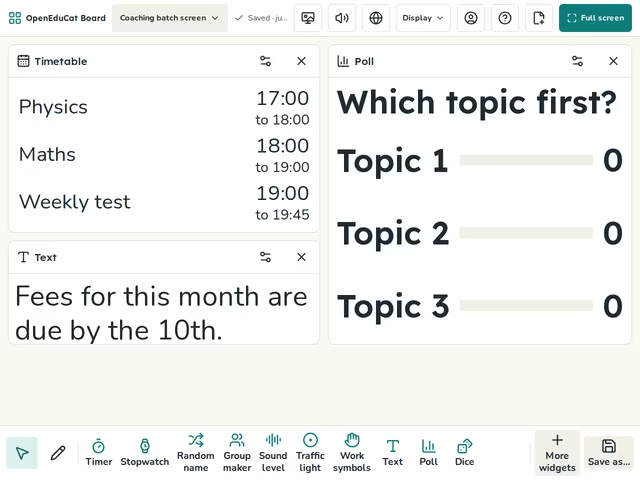
On the screen
- Timetable
- Text
- Poll
How to use it
- Set the batch times and subjects.
- Change the fee reminder.
- Ask which doubt to clear first.
Tip
Keep the reminder general. Never name a student who has not paid.
About this template
- Level
- High school and College
- Category
- Teacher tools
- Screens
- 1 screen
By OpenEduCat · Published November 4, 2026