Rehearsal hub
Two screens for a rehearsal: the plan with a stopwatch, then a recording to listen to.
- Arts and music
- Low prep
- Free
Use this template
It opens on your board as a new screen in your account. If you are not signed in, you sign in first.
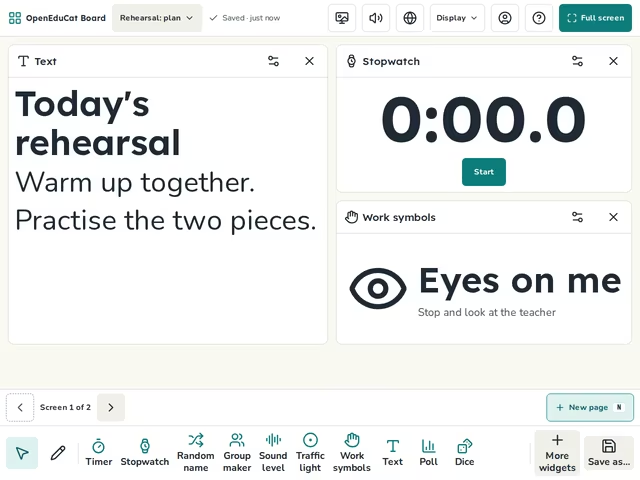
On the screen
- Rehearsal: plan: Text, Stopwatch, Work symbols
- Rehearsal: listen: Video, Text, Timer


How to use it
- Type the plan for today.
- Time each piece with the stopwatch.
- Move to the next screen to listen to a recording.
Tip
Paste the link to the recording before the lesson.
About this template
- Level
- Primary, Middle school, and High school
- Category
- Arts and music
- Screens
- 2 screens
By OpenEduCat · Published November 4, 2026