Routines
Two screens for teaching routines: the start of the day and going home.
- Back to school
- Low prep
- Free
Use this template
It opens on your board as a new screen in your account. If you are not signed in, you sign in first.
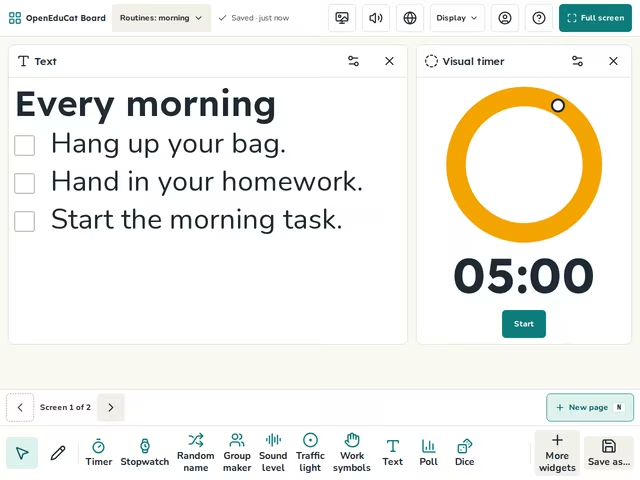
On the screen
- Routines: morning: Text, Visual timer
- Routines: going home: Text, Visual timer


How to use it
- Change the steps to fit your class.
- Walk through each step with the class.
- Press Page Down to move to the next routine.
Tip
Practise a routine in the first weeks, until the class needs no reminder.
About this template
- Level
- Pre-K, Primary, and Middle school
- Category
- Back to school
- Screens
- 2 screens
By OpenEduCat · Published November 4, 2026